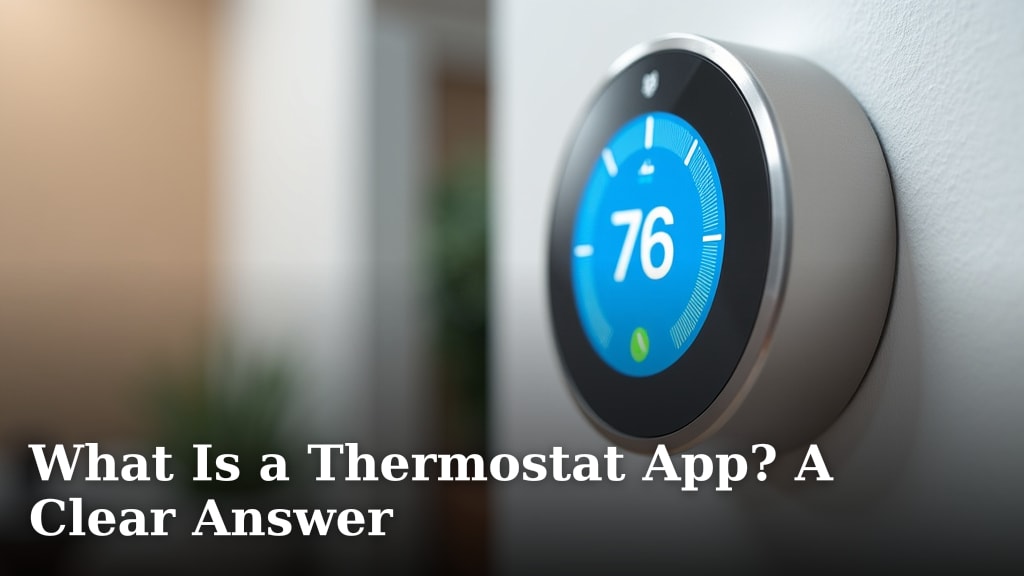
What Is a Thermostat App? A Clear Answer
What Exactly Does a Thermostat App Do?
A thermostat app is a piece of software for your smartphone or tablet that lets you control your home’s heating and cooling system from anywhere. Think of it as a remote control for your thermostat. Instead of walking to the wall unit to change the temperature, you can tap a screen on your phone. This simple concept is at the heart of modern smart home comfort.
The Core of a Thermostat App: How It Works
Understanding how the app functions is easier than you might think. It’s a straightforward process that relies on a few key pieces working together. You don’t need to be tech-savvy to grasp the basics.
Its Connection to the Physical Thermostat
The app doesn’t work by itself. It is always connected to a compatible smart thermostat hardware installed on your wall. The app and the thermostat talk to each other using your home’s Wi-Fi network. When you press a button in the app, it sends a command over the internet to the thermostat. The thermostat then adjusts the furnace or air conditioner. This connection allows for that powerful remote control feature.
Key Components in the System
- The Smart Thermostat: This is the physical device with sensors and wiring connected to your HVAC system.
- Your Home Wi-Fi: This provides the wireless internet connection the thermostat uses to communicate.
- The Mobile App: This is the software you download onto your phone or tablet to send commands.
The Two-Way Communication
This isn’t just a one-way street. The relationship is interactive. The app sends instructions to the thermostat. But the thermostat also sends information back to the app. For example, it can tell the app the current temperature inside your home. It can also share if the system is actively heating, cooling, or is set to “off.” This feedback loop is what makes the system so smart and useful.
Key Features You’ll Typically Find
While every brand’s app is a little different, they share a common set of features. These capabilities are what make a thermostat app more than just a fancy switch. They are designed to save you time and potentially money on your energy bills.
Remote Temperature Control
This is the most basic and important feature. You can check your home’s temperature from your office or the grocery store. If you’re coming home early, you can tap the app to warm up the house. If you forgot to turn the AC down after leaving, you can fix it instantly. This convenience is a huge reason people upgrade.
Scheduling and Automation
Most apps allow you to create a detailed schedule for your week. You can program the temperature to be lower when you’re at work and warmer just before you get home. Many systems also learn your routines. Over time, they might adjust the schedule automatically based on when you usually leave and return. According to the U.S. Department of Energy, simply adjusting your thermostat by 7-10 degrees for 8 hours a day can save you up to 10% a year on heating and cooling. A good app makes setting this schedule easy.
Common Schedule Options
- 7-Day Schedule: Different settings for every day of the week.
- 5-1-1 Schedule: One schedule for weekdays, another for Saturdays, and a third for Sundays.
- Auto-Home/Away: The system detects your phone’s location and adjusts automatically.
Energy Usage Reports
Many thermostat apps provide helpful reports. They can show you how much your system ran each day, week, or month. Some even estimate your energy cost. This data helps you understand your habits. It can show you if that schedule you created is actually saving energy. Seeing this information clearly is a powerful tool for making informed decisions.
Voice Assistant Integration
Do you use a voice speaker like an Amazon Echo or Google Home? Many popular thermostat apps connect directly with them. This means you can use simple voice commands. Saying, “Hey Google, make it 72 degrees,” is a convenient hands-free way to adjust your comfort.
What Are the Real Benefits of Using One?
Beyond the convenience of controlling your climate from your couch, there are tangible benefits. These advantages are the reason thermostat apps have become so popular in everyday homes.
Potential for Energy Savings
The main benefit people seek is saving money on utility bills. By optimizing when and how you heat and cool, you reduce wasted energy. You’re not paying to heat an empty house to the same degree as when you’re home. The National Resources Defense Council notes that smart thermostats can help households save significantly by avoiding energy waste. The app’s scheduling and remote access are the tools that make this possible.
Increased Convenience and Comfort
Imagine leaving for a vacation and realizing you forgot to adjust the thermostat. With the app, you can fix that mistake from the airport. Coming home to a perfectly heated or cooled home every day without touching the wall thermostat is pure comfort. This kind of effortless control is a daily luxury.
Maintenance Alerts and System Health
The app can do more than control temperature. It can also act as a monitor for your HVAC system. Many apps will send you a notification on your phone. This alert might remind you to change your furnace filter. It can also warn you if the system is running for unusually long cycles, which might indicate a problem. This proactive feature can help prevent bigger, more expensive repairs down the line.
Comparing a Standard Thermostat to a Smart One
Here is a simple comparison to show what a thermostat app adds to the equation.
| Feature | Standard Non-Programmable Thermostat | Smart Thermostat with App |
|---|---|---|
| Control Location | Only at the wall unit | Anywhere with internet |
| Scheduling | Basic, often manual override | Detailed, automated, learns habits |
| Energy Reports | None | Detailed usage and cost estimates |
| Remote Access | No | Yes, full control from phone |
| Alerts | None | Filter reminders, system alerts |
Is Your Home Compatible with a Thermostat App?
This is a critical question to answer before you even think about downloading an app. Compatibility is non-negotiable. You need to check two main things: your physical HVAC system and your home’s wiring.
Checking Your Heating and Cooling System
Most major thermostat apps work with standard central heating and air conditioning systems. This includes gas furnaces, electric furnaces, boilers, and central AC units. Systems that are often not compatible include high-voltage systems (like some baseboard heaters) or very old systems. The manufacturer’s website will always have a compatibility checker. You enter your system details, and it tells you if it will work.
The Wiring on Your Current Thermostat
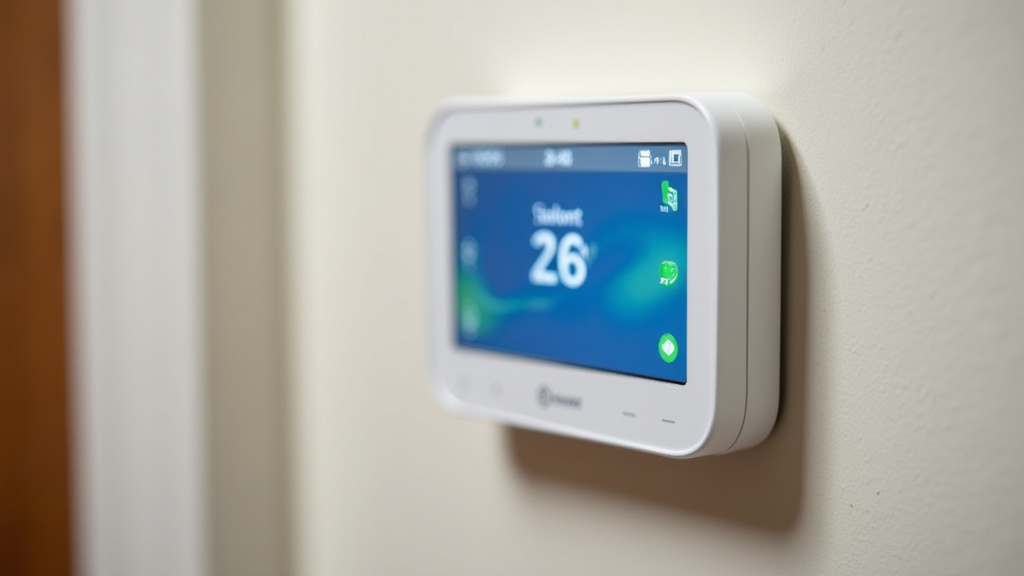
The wiring is the most important part. Most smart thermostats require a “C-wire” (common wire) to provide continuous power for the Wi-Fi radio and display. Some older homes don’t have this wire. You can check your current thermostat. If it has wires labeled R, G, Y, and W, you might not have a C-wire. Don’t worry—there are solutions. Some new thermostats have built-in rechargeable batteries. Others come with an add-on power adapter. But always verify this first.
A Practical Guide to Getting Started
So, you’ve decided a thermostat app could be helpful. The process to get up and running is simpler than it looks. Breaking it into steps makes it even clearer.
- Step 1: Choose Your Smart Thermostat. Research brands and models. Read reviews from other homeowners. Make sure it has the features you want in the app.
- Step 2: Verify Compatibility. Use the online tool on the manufacturer’s website. Take a photo of your current thermostat’s wiring to help you answer the questions.
- Step 3: Install the Hardware. You can either install it yourself if you’re comfortable with basic wiring, or hire a professional. Many local HVAC companies offer installation services.
- Step 4: Download the App. Once the thermostat is physically installed and powered on, download the corresponding app from the App Store or Google Play Store.
- Step 5: Connect to Wi-Fi. Open the app and follow the on-screen instructions. You’ll connect the thermostat to your home Wi-Fi network and create an account.
- Step 6: Set Up Your Schedule. Take 10 minutes to input when you’re usually home and away. This initial setup is key to unlocking energy savings.
What Should You Consider Before Choosing an App?
Not all apps are created equal. Before you pick a system based on price alone, think about what matters most to you. A little research now leads to a better experience later.
Ease of Use is Everything
Read reviews that specifically mention the app. Is it intuitive? Can you find the schedule settings easily? Some apps are very simple and clean. Others are packed with advanced features that can feel overwhelming. You want an app that fits your comfort level with technology.
The Ecosystem and Other Devices
Think about your other smart home gadgets. Do you want the thermostat to work with your voice speaker? Or with smart home hubs? Choosing a brand that
Conclusion
A thermostat app is your direct link to smarter home comfort. It turns your phone into a powerful remote, giving you control, scheduling, and useful data from anywhere. By optimizing your heating and cooling, it offers a practical path to lower energy bills and less hassle. You’ve learned what it does, how it works, and what features to look for.
Your next step is simple. Check your current thermostat’s wiring and your HVAC system’s compatibility. This crucial first step ensures you can fully enjoy the benefits. Use the manufacturer’s online checker tool to get started today.
Frequently Asked Questions
Do I need a special thermostat to use a thermostat app?
Yes, you do. A thermostat app works with a specific smart thermostat hardware. Your existing, older thermostat likely won’t connect. You must purchase and install a compatible smart thermostat from a brand like Nest, Ecobee, or Honeywell before you can use its associated app.
How much money can I realistically save with a thermostat app?
Savings vary based on your habits, home, and climate. Research suggests households can save on average 10-15% on heating and cooling bills. The app’s scheduling and remote control help reduce waste when you’re away or asleep, but your savings depend on using those features consistently.
Is installing a smart thermostat and app difficult for a homeowner?
Installation difficulty depends on your comfort with basic wiring. If you can safely replace a light switch, you might manage it. Many brands provide clear guides. If your system lacks a C-wire or you’re unsure, hiring a professional HVAC technician is a safe and recommended option.
What is a “C-wire,” and what happens if I don’t have one?
A C-wire (common wire) provides constant power to the smart thermostat for its Wi-Fi and display. Some older homes lack it. Some thermostats have rechargeable batteries, while others include a power adapter kit. You can also hire an electrician to install one. Check compatibility with your wiring first.
Can my family members use the thermostat app on their own phones?
Yes, typically you can. Most smart thermostat apps allow you to add family members or share access. This lets everyone in your household control the temperature from their own device. You’ll usually create a shared account or send invitations from the main app.